
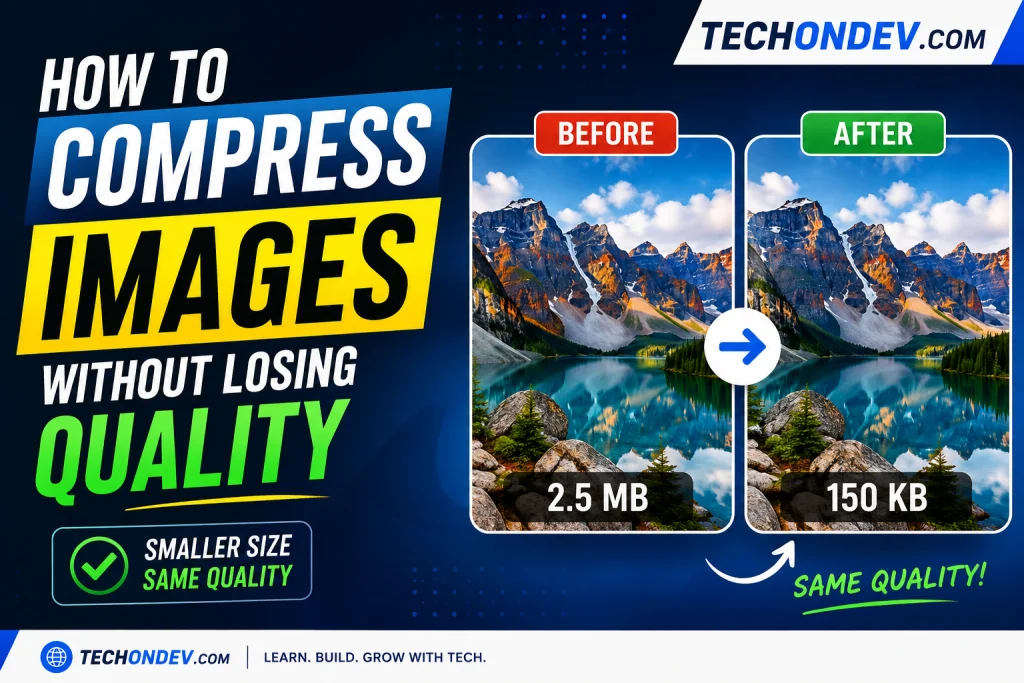
Image Compressor tools can help reduce image file size while keeping images clear and suitable for websites, social media, and everyday sharing. Large photos can take longer to upload and may use more storage, so compressing them before uploading can be useful.
Why Should You Compress Images?
Large image files can take longer to upload and may use unnecessary storage space. If you publish images on a website, smaller files can also help reduce the amount of data visitors need to download. Compressing an image before uploading it is a simple way to make the file more manageable while keeping a good level of visual quality.
The right compression settings depend on the image. Photos usually work well with JPG or WebP, while PNG can be useful when transparency is important. For many website images, WebP can provide a good balance between image quality and file size.
How to Compress an Image Online
- Open the TechOnDev Image Compressor.
- Select a JPG, PNG, or WebP image.
- Choose the maximum image width.
- Adjust the image quality.
- Select your preferred output format.
- Click Compress Image.
- Compare the original and compressed file size.
- Download the compressed image.
JPG vs PNG vs WebP
| Format | Best For | File Size |
|---|---|---|
| JPG | Photos | Small |
| PNG | Transparency and graphics | Larger |
| WebP | Websites and general use | Often smaller |
Frequently Asked Questions
What is an image compressor?
An image compressor reduces the file size of an image while trying to maintain good visual quality. It can make images easier to upload, store, and share.
Can I compress JPG, PNG and WebP images?
Yes. The TechOnDev Image Compressor supports JPG, PNG and WebP images and lets you choose the output format before compression.
Does compressing an image reduce its quality?
Compression can reduce image quality depending on the settings you choose. Using a moderate quality level can provide a good balance between file size and visual quality.
Can I reduce a large image to a smaller size?
Yes. You can choose a maximum image width before compression. This can significantly reduce the file size of very large photos.
Is the TechOnDev Image Compressor free?
Yes. The tool is designed to provide free image compression directly in your web browser.
Are my images uploaded to a server?
No. The tool processes the selected image directly in your browser, so the image does not need to be uploaded to the TechOnDev server.
Compress Your Image Now
Ready to reduce your image file size? Use the TechOnDev Image Compressor to compress and resize JPG, PNG and WebP images online.